 listicle
Why Remote IT Support Fails for Complex Networks
Table of Contents
- The Real Reasons Remote IT Support Breaks Down on Complex Networks
- Physical Hardware Limitations That Remote Tools Cannot Touch
- Network Infrastructure Complexity: Why Switches, Routers, and Wi-Fi Configuration Resist Remote Fixes
- Security Vulnerabilities of Remote Access in Distributed Workforces
- Troubleshooting Complex Network Infrastructure: Latency, Packet Loss, and Intermittent Performance
- Managed IT Services vs Remote Support: A Cost-Benefit Comparison
- The Benefits of On-Site IT Support for Complex Networks
- Conclusion: Building a Hybrid Support Model That Actually Works
- Frequently Asked Questions
Last Updated: September 16, 2026
The Real Reasons Remote IT Support Breaks Down on Complex Networks
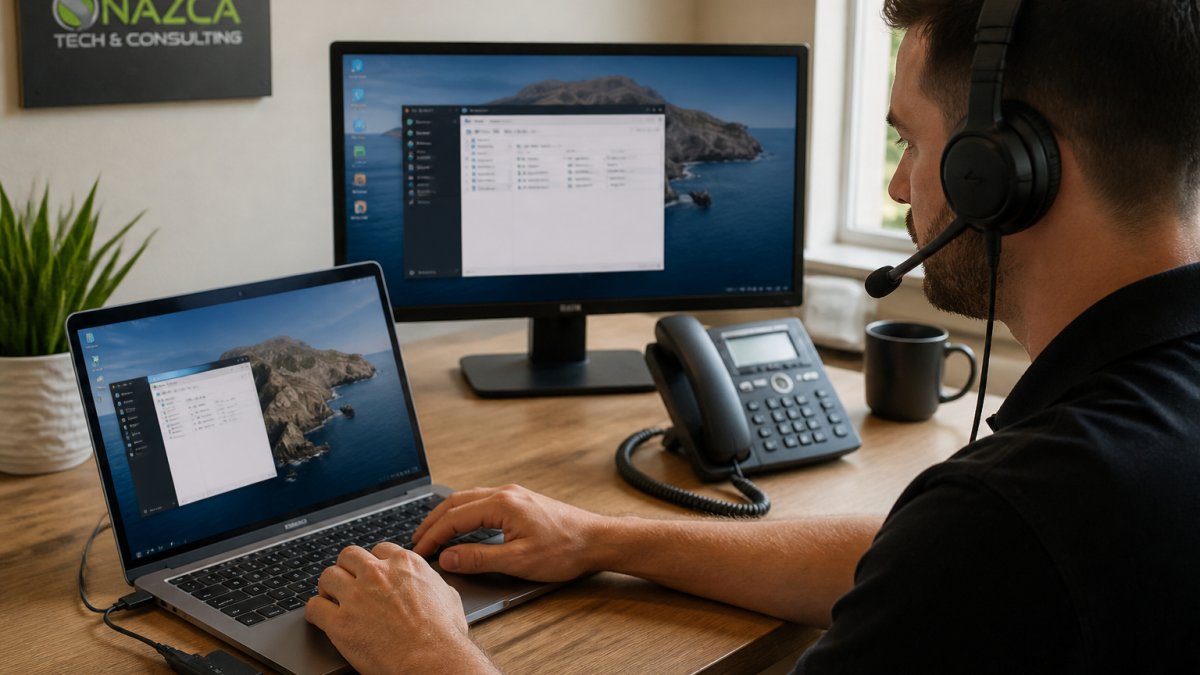
A 2026 Auvik report found a persistent gap between how prepared organizations believe they are for remote IT support and how their operations actually function. Remote IT support works well on simple, well-documented setups and quietly fails on complex ones. This guide from Nazca Tech breaks down why remote IT support fails for complex networks, where it still works, and how a hybrid model closes the gap.
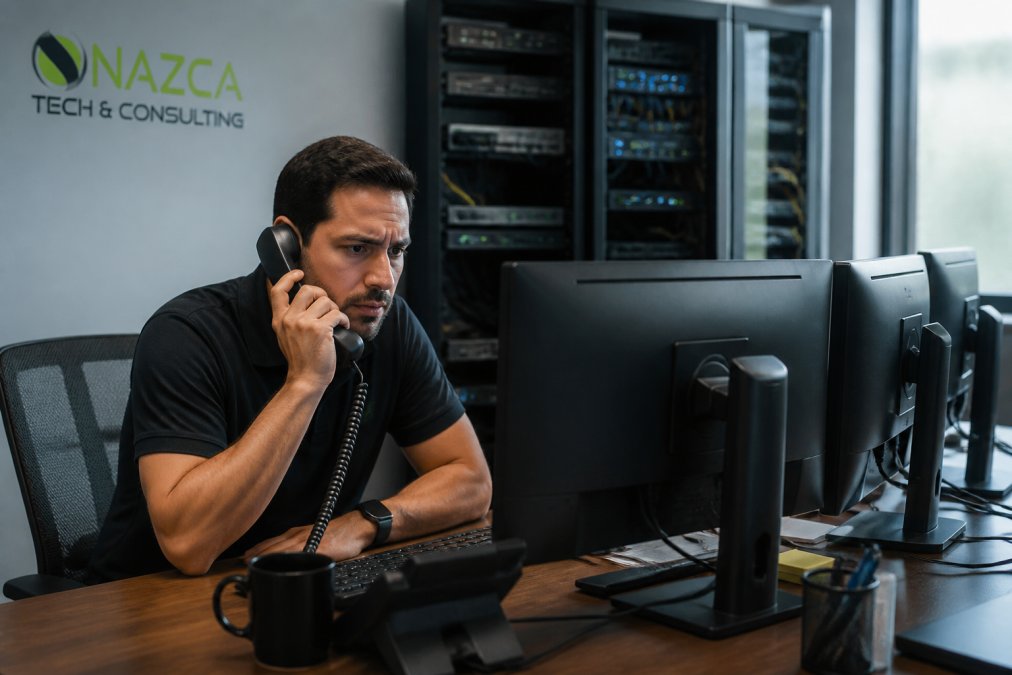
Remote IT support diagnoses and resolves technical issues through a network connection rather than a physical visit. It handles password resets, software configuration, and endpoint troubleshooting efficiently, but cannot reseat a failed drive, trace a degraded cable run, or physically inspect a switch.
The IT Reality Check Gap in 2026
The gap isn't tool quality, it's scope. Remote tools were designed for endpoints, not infrastructure.
Physical Hardware Limitations That Remote Tools Cannot Touch
The biggest mistake with remote support is assuming every failure has a software cause.
Network Infrastructure Complexity: Why Switches, Routers, and Wi-Fi Configuration Resist Remote Fixes
Network infrastructure complexity defeats remote support because the failure often sits in a layer the remote session can't see, and in complex networks, that invisible layer is where most outages originate.
The out-of-band problem
Remote tools depend on in-band connectivity: the device must be reachable over the network to be managed. When a switch, router, or firewall loses its management interface, a failed firmware update, a spanning-tree loop, a misapplied ACL, the remote session loses the very device it needs to fix. Recovery requires console access, a physical serial or USB connection no remote tool substitutes for.
PoE budgeting and power-layer failures
Power over Ethernet is a quiet failure mode. An access switch with a fixed PoE budget sheds ports when the draw exceeds capacity, often after new APs, cameras, or badge readers are added. The symptom is intermittent: devices reboot under load, then recover. Remote diagnostics see the reboot, not the power budget; only a switch CLI session or a physical inspection of the port LEDs reveals the over-subscription.
Wi-Fi configuration and the RF layer
Wi-Fi is the clearest example of a layer remote tools cannot reach. A channel overlap, a dead zone caused by new construction, or interference from a neighboring tenant's AP doesn't show up in a configuration file, it shows up as users dropping calls in one corner of the building. A wireless site survey, a physical walk with a spectrum analyzer, is the only reliable diagnostic.
The IoT and edge-device blind spot
Complex networks now include non-standard hardware: IP cameras, badge readers, HVAC controllers, medical telemetry, industrial sensors, and building-management systems. Many of these devices:
- Run vendor-specific or legacy operating systems that remote management agents don't support
- Expose only a web UI or a serial console, not an SSH or RDP endpoint
- Sit on isolated VLANs that remote tools are not authorized to traverse
- Fail in ways that produce no SNMP trap and no syslog entry
What this means for support design
The practical takeaway: map your network by reachability, not device count. Any device without a working in-band management path is on-site-only. Any PoE-powered device is a candidate for power-layer failure. Any wireless segment is an RF problem waiting to happen. A hybrid support model that acknowledges these layers will out-resolve a remote-only model on every complex network.
Security Vulnerabilities of Remote Access in Distributed Workforces
The highest-risk areas have shifted. According to DeepStrike's 2026 remote work cybersecurity analysis, remote environments now show increased risk through remote access misconfigurations, identity abuse, and endpoint compromise rather than traditional VPN vulnerabilities. MFA fatigue, session hijacking, and browser session security are the new front lines.
Troubleshooting Complex Network Infrastructure: Latency, Packet Loss, and Intermittent Performance
Troubleshooting complex network infrastructure remotely fails most often on intermittent problems, and the reason is structural, not tool quality.
| Symptom | Common Remote Diagnosis | Actual Root Cause | Fix |
|---|---|---|---|
| Slow app response | Application server load | ISP peering congestion | Escalate to ISP, reroute |
| Random disconnects | Wi-Fi driver issue | PoE budget exceeded on switch | Rebalance or replace switch |
| Periodic timeouts | Firewall rule conflict | Duplex mismatch on one port | Physical port inspection |
| VoIP call drops | Bandwidth shortage | RF interference from new construction | Site survey, AP relocation |
| Overnight batch failures | Application bug | Microbursts on a 10G uplink | Switch buffer tuning, port counters |
Why remote diagnosis misattributes causes
Remote monitoring platforms poll at intervals, commonly 1 to 5 minutes, so intermittent faults between polls are invisible. A duplex mismatch, a failing SFP, or a flapping port may produce errors for seconds and then clear: the dashboard shows a healthy device, the user shows a dropped call.
Where automated remediation breaks down
Automation is the newest layer of remote support, and it fails on complex networks for a predictable reason: it acts on the signal it can see. A script that restarts a service when CPU exceeds a threshold will restart the service, and miss the memory leak in a different process that caused the spike. A script that fails over a WAN link when latency crosses a threshold will fail over, and miss the routing loop that caused the latency, which then follows the traffic to the backup path.
Instrumenting for intermittent faults
Catching these problems requires instrumentation that most remote-only support stacks do not include:
- Flow-level telemetry (NetFlow, sFlow, IPFIX) rather than interface counters alone, to see which conversations are degrading
- Sub-minute polling on critical uplinks and inter-switch links, to catch microbursts
- Synthetic monitoring, scheduled probes that measure latency and loss from multiple vantage points, so an ISP peering issue is visible before users report it
- Port-level error counters reviewed on a schedule, not on demand, to catch duplex mismatches and failing optics before they become outages
- Time-synchronized logs across devices, so a fault that crosses three devices can be reconstructed
The escalation rule that actually works
When a fault is intermittent, affects multiple layers, or produces a symptom that doesn't match any single-cause explanation, the remote-first model has hit its limit. The next step isn't more remote diagnostics, it's on-site instrumentation: a physical tap, a portable analyzer, or a technician with a laptop on the suspect segment, the layer where the cause becomes visible.
Managed IT Services vs Remote Support: A Cost-Benefit Comparison
Managed IT services versus remote support is not a binary choice. The right answer depends on how complex your infrastructure actually is.
| Model | Best For | Strengths | Limitations |
|---|---|---|---|
| Remote-only | Simple, cloud-first setups | Low cost, fast response | Fails on hardware and RF issues |
| On-site only | Single-site, hardware-heavy | Full diagnostic access | Slow response, higher cost |
| Hybrid | Multi-site, complex networks | Right tool per problem | Requires provider coordination |
The Benefits of On-Site IT Support for Complex Networks
The benefits of on-site IT support come down to access. A technician on site can physically inspect, test, and replace.
Conclusion: Building a Hybrid Support Model That Actually Works
The hard part isn't choosing between remote and on-site support. It's knowing which layer a problem lives in before you dispatch either.
Frequently Asked Questions
What are the primary limitations of remote IT support for large-scale networks?
Remote IT support struggles with large-scale networks because it cannot physically inspect hardware, such as server power supplies or failed switches. It also faces challenges with latency and packet loss that require on-site diagnostics. According to Auvik's 2026 report, there is a significant gap between perceived preparedness and actual operational functionality. Additionally, 90% of help desk teams report poor remote support leads to prolonged downtime. These limitations mean complex issues often need a hybrid approach combining remote tools with on-site intervention.
How do latency and bandwidth issues impact remote network management?
Latency and bandwidth issues degrade remote network management by causing delays in screen sharing, file transfers, and real-time diagnostics. When packet loss occurs, remote sessions may disconnect, making it impossible to troubleshoot intermittent performance problems. This is especially problematic for complex networks with IoT devices or edge computing, where real-time monitoring is critical.
What types of IT issues require an on-site technician?
Issues that require physical access, such as hardware failure, server power supply replacement, switch or router configuration, and Wi-Fi optimization, need an on-site technician. Additionally, security vulnerabilities from rogue devices or physical data interception cannot be resolved remotely. For healthcare practices needing HIPAA-compliant ePHI security, on-site visits ensure proper enforcement of policies. A hybrid model with rapid on-site response, like Nazca Tech's 3-hour emergency window, addresses these gaps effectively.
How does a hybrid IT support model improve operational continuity?
A hybrid IT support model improves operational continuity by combining the speed of remote assistance with the depth of on-site expertise. Remote support handles quick fixes, while on-site visits tackle complex network infrastructure, hardware failures, and security audits. This approach reduces downtime and ensures compliance. For example, GE Healthcare increased first-time fix rates by adding video intelligence to remote support. Nazca Tech's hybrid model offers 1-hour remote response and 3-hour on-site emergencies, ensuring businesses stay operational.