 Ultimate guide
Managing Cybersecurity Risks in Remote Work Environments
Last Updated: November 17, 2026
Quick Summary
Managing cybersecurity risks in remote work environments means securing the attack surface that now sits in employees' homes: unsecured home networks, personal-device use, and increased phishing. Start with a structured risk assessment before buying tools, then enforce multi-factor authentication, automatic patching, device encryption, least privilege, and logging of remote access. Identity becomes the new perimeter, so verify every request and grant only the minimum permission needed.
- Fortinet's work-from-home risk analysis most often identifies unsecured home networks, personal-device use, and increased phishing attempts.
- Run a risk assessment in four steps: inventory assets, map access paths, rate each risk, and assign risk treatment.
- Zero Trust means verifying every request, granting minimum permission, and assuming no network is inherently trusted.
- Score remote access tools on adoption friction as heavily as on features, since controls people bypass add no protection.
- Require a management profile before work email is configured, scoped to the work container only.
Table of Contents
- Why Remote Work Expands Your Security Exposure
- Start With a Risk Assessment Before You Buy Tools
- Remote Work Cybersecurity Best Practices That Hold Up
- Your Remote Work Security Checklist for Onboarding and Offboarding
- Remote Access Security Tools That Actually Get Used
- Endpoint Security for Remote Workers: Laptops, Phones, and Home Wi-Fi
- Training, Culture, and Incident Response for Distributed Teams
- Building Your Remote Security Plan With Nazca Tech
- Frequently Asked Questions
Why Remote Work Expands Your Security Exposure
Managing cybersecurity risks in remote work environments starts with one uncomfortable fact: the office perimeter is gone, and most of your attack surface now sits in employees' homes. Remote work changes how employees approach security once they operate outside a managed office setting.
The exposure grows in three predictable places.
Home Networks, Personal Devices, and Phishing
Unsecured home networks, personal-device use, and increased phishing attempts are the three remote-work risks Fortinet's work-from-home risk analysis identifies most often. A home router shipped with default credentials is a door left unlocked. A personal phone checking work email blurs the line between personal and business data. Phishing, meanwhile, exploits the isolation: a remote employee can't lean over and ask a colleague whether an email looks legitimate.
The fix is less about buying tools than about drawing clear security boundaries around what connects to your systems. Start by inventorying which devices touch sensitive data, then lock down the network path each one uses. If you want a practical walkthrough, our guide on how to secure personal devices for remote work covers device hardening step by step.
Start With a Risk Assessment Before You Buy Tools
Most remote-work security budgets get spent backwards. Teams buy endpoint agents and VPN licenses first, then try to figure out what they're protecting. That sequence produces tool sprawl and gaps.
A risk assessment is a structured review of what you have, what could go wrong, and which exposures matter most. Run it in four steps:
- Inventory assets: every laptop, phone, cloud app, and data store that remote staff can reach.
- Map access paths: who connects from where, over which network, with what credentials.
- Rate each risk by likelihood and business impact, not by how alarming it sounds.
- Assign risk treatment: accept, reduce, transfer, or avoid each item, with an owner and a date.
This is the same risk-management discipline the Cybersecurity and Infrastructure Security Agency recommends for telework, which points organizations to NIST guidance for mitigating telework security risks. Do the assessment first and your tool purchases become obvious.
Remote Work Cybersecurity Best Practices That Hold Up
The remote work cybersecurity best practices that survive contact with real employees share one trait: they reduce friction rather than adding it. Controls people can't stand get bypassed.
Here is what holds up across distributed teams:
- Enforce multi-factor authentication on every cloud service, email account, and admin console.
- Patch automatically. Manual patching stops the day a deadline hits.
- Encrypt devices so a stolen laptop is an inconvenience, not a breach.
- Apply least privilege to shared drives and applications.
- Log and monitor remote access so unusual logins surface fast.
For a fuller benchmark list, our team compiled 7 proven cybersecurity practices for remote employees you can check your current setup against.
Identity, Access Control, and Permissions
Access control is where remote security is won or lost. When everyone connects from everywhere, identity becomes the new perimeter.
Zero Trust is the model underneath modern access control: verify every request, grant the minimum permission needed, and assume no network is inherently trusted. In practice that means role-based permissions, short-lived credentials, and conditional access rules that flag logins from new locations or devices. Our Zero Trust guide for small businesses explains how to phase this in without rebuilding everything at once.
Watch out: shared admin passwords and long-lived API tokens are the most common way a single compromised laptop becomes a company-wide incident.
Your Remote Work Security Checklist for Onboarding and Offboarding
A remote work security checklist prevents the two moments when risk spikes: a new hire's first week and a departing employee's last day. Most breaches tied to offboarding come from accounts nobody remembered to disable.
Use this checklist for both transitions:
- Provision accounts through a documented request, not a group text
- Enroll the device in mobile device management before it touches email
- Issue credentials through a password manager, never over chat
- Require MFA enrollment on day one
- Confirm role-based permissions match the job, nothing broader
- On exit: revoke sessions and tokens, not just the password
- On exit: wipe company data from personal devices
- On exit: transfer file ownership before disabling the account
The offboarding half is the one teams skip. Automate it or it will fail.
Remote Access Security Tools That Actually Get Used
Remote access security tools only reduce risk if employees adopt them voluntarily, but adoption is a design outcome, not a personality trait.
There are three common remote access models, and they fail in different ways.
VPN with split tunneling. A virtual private network creates an encrypted tunnel from the employee's device to the corporate network.
Zero-trust network access (ZTNA). Instead of connecting a device to a network, ZTNA connects a user to a specific application after verifying identity, device posture, and context.
Whichever model you choose, score candidate tools on adoption friction as heavily as on features. A slightly less capable tool everyone uses beats a superior one half the team disables.
Watch out: shared admin passwords and long-lived API tokens are the most common way a single compromised laptop becomes a company-wide incident, and no access tool fixes that if the credentials themselves are shared.
The article describes three remote access models and how they differ in practice.
| Model | How it works | Key trade-off |
|---|---|---|
| VPN with split tunneling | Encrypted tunnel from device to corporate network | Full tunnel concentrates bandwidth and latency; split tunneling needs strong endpoint controls |
| Zero-trust network access (ZTNA) | Connects a user to a specific application after verification | Requires accurate application inventory and a clean identity provider |
| Identity-centric access with secure web gateway | Identity provider controls plus cloud gateway inspecting traffic | Works for cloud-first companies; depends on endpoint agents and DNS filtering |
Endpoint Security for Remote Workers: Laptops, Phones, and Home Wi-Fi
Endpoint security for remote workers means protecting every device that touches company data, wherever it physically sits. That includes company laptops, personal phones checking email, and the home Wi-Fi router connecting them.
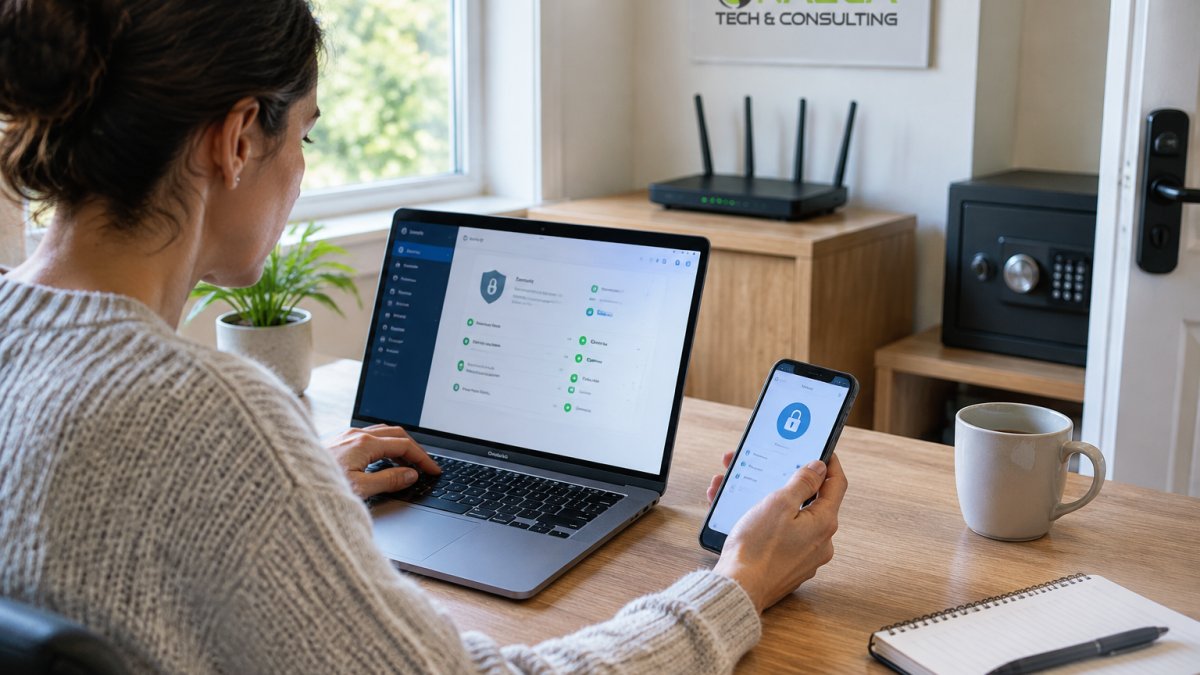
Three layers matter most, and each has a specific mechanism.
Full-disk encryption with remote wipe. Encryption turns a stolen laptop into an inconvenience rather than a breach, but only if the recovery key is escrowed somewhere the organization controls.
Home network hygiene. The router is the most overlooked endpoint.
Unmanaged personal devices are the hardest case.
Managers evaluating endpoint protection often want the technical model explained in plain business terms. Our endpoint detection and response explainer for managers does exactly that.
Watch out: an EDR agent that employees can uninstall is not a control; require tamper protection and monitor for agents that stop reporting.
Training, Culture, and Incident Response for Distributed Teams
Security culture is the control that costs the least and fails the most. Distributed teams often find it difficult to maintain security awareness without the informal cues of an office.
Training works when it's short, specific, and repeated. A five-minute monthly email on one real phishing attempt beats an annual hour-long module nobody remembers. Culture works when employees feel safe reporting a mistake; punishment-driven programs produce silence, and silence produces slow incident response.
Incident response for remote teams needs one addition to the standard playbook: a way to reach people who aren't in the building. Define who calls whom, how a compromised device gets isolated remotely, and how you'll communicate if email itself is the compromised channel.
Building Your Remote Security Plan With Nazca Tech
You can implement every control above internally, and many teams do. The gap usually appears in maintenance: patching drifts, offboarding gets missed, and monitoring goes quiet.
Nazca Tech provides managed IT and cybersecurity support. Our technicians are trained in HIPAA compliance and ePHI security protocols, which matters if you handle patient data. We offer rapid response times of one hour for remote support and three hours for on-site emergencies, backed by a dedicated help-desk portal for real-time request tracking.
If you're weighing outside help, our guide to managed security providers walks through what to compare before you hire.
Remote work isn't going away, and neither are the risks that come with it. The practices in this guide work, but they need consistent ownership. Nazca Tech can take that ownership off your plate with HIPAA-trained technicians, a hybrid on-site and remote support model, and response times you can hold us to.
Frequently Asked Questions
What are the biggest cybersecurity risks of remote work?
The biggest risks come from the environment itself. Unsecured home networks, personal-device use for work tasks, and increased phishing attempts are among the core remote-work exposures. Each one removes a layer of control your office network used to provide: you no longer manage the router, you no longer hand out the hardware, and you no longer see suspicious email arriving at a colleague's desk. Remote work cybersecurity starts by mapping which of these three applies to each role, then closing the gap with access control, endpoint protection, and training.
How can businesses secure employees working remotely?
Work through four layers in order. First, identity: enforce multi-factor authentication and role-based permissions so credentials alone cannot open sensitive data. Second, devices: require managed endpoints with disk encryption, patching, and endpoint detection. Third, access: route traffic through a VPN or zero-trust access tool rather than exposing services directly. Fourth, people: run short, regular phishing training. A structured framework for telework security can help organize those four layers.
What should a remote work security checklist include for new hires?
A workable remote work security checklist covers the first day and the last day. On day one: company-issued device with encryption enabled, MFA enrolled before any system access, role-based permissions assigned, VPN or zero-trust client installed and tested, password manager provisioned, and a signed acceptable-use policy. On the last day: access revoked across every application, device wiped or returned, credentials rotated, and shared passwords changed. The offboarding half is the one most small businesses skip, and it is where former-employee incidents usually begin.
What is a zero-trust approach to remote work security?
Zero trust means no request is trusted because of where it comes from. Instead of assuming anything inside the network is safe, every access request is verified: who is asking, from what device, to reach what resource. In practice that means identity-based access rules, device health checks before connection, and least-privilege permissions rather than broad network access. For distributed teams it replaces the old perimeter model, which stopped working the moment employees started working from home networks you do not control.
How should a business respond to a cybersecurity incident involving a remote employee?
Treat it like any incident, with two remote-specific additions. First, isolate: have the employee disconnect the device from the network and stop using it, then revoke their credentials and active sessions. Second, preserve: do not let anyone wipe the machine before evidence is captured. From there, follow your standard response: contain, assess what data was exposed, notify per your legal and regulatory obligations, and document the timeline. For healthcare practices, a breach involving ePHI triggers HIPAA breach notification requirements, so the response plan needs to name who makes that call before an incident happens.
When should a business use a managed security provider for remote work?
Consider one when you lack in-house staff to monitor alerts outside business hours, when your team has grown past the point where you know every device personally, or when compliance obligations like HIPAA make an undocumented security posture a liability. A managed provider handles monitoring, patching, endpoint management, and incident response so gaps do not sit unnoticed for weeks. Ask specifically how fast they respond, whether support is remote-only or hybrid, and who handles ePHI security if you are a healthcare practice.